We connect AI to the inbox, records and software your team already uses, so a request is entered once, checked against your records and handed to the right person.
The first 20-minute review is free. Bring a handoff your team keeps chasing. You leave with a one-page map of where it waits and what to change first.
Tell us where a request arrives, what goes missing and who decides. A sentence or two is enough. Leave out names, prices, attachments and patient information.
Or write in your own words to hello@benchworksoftware.com. The studio uses AI assistants to review business email and prepare replies.
What happens next
FreeA 20-minute review of one request. We ask for no access.
Yours to keepA one-page map showing where work waits, who approves it and how to measure the change.
$500–$1,500Example range for an optional pilot using redacted or fictional samples. We agree the fee in writing before work starts. Live connections require a separate scope.
Production connections and ongoing support are quoted separately, in writing.
Or start from the handoff · any industry
Which handoff keeps costing you time?
Pick the one closest to your week. The 20-minute review starts from it.
01
Route a service or office request
Before
A request arrives by email, form or phone. Someone retypes it into a tracker, hunts for the customer’s record and works out who should take it.
After
The request is captured once, matched to the right record and checked for missing details. It reaches the right person with the open questions listed.
Person responsible
Office coordinator approves the assignment
You’d measure
Time from request to named owner; requests sent back for missing details
Check the pickup angle and the approach to the tray in two views of the same simulated cycle.
Industrial engineering
See the cell run before steel is cut.
Will the gripper clear the tray wall? Compare the gripper approach and the tray clearance in our Blender simulation. Then trace a device from the parts list to its PLC tag, operator screen and robot signal.
FactoryTalk Logix Echo 4 ran the actual ladder program while Isaac Sim 6.2 simulated the FANUC arm. Eight recorded checks covered good parts, rejects, faults and recovery. The screen replay uses recorded PLC signals and illustrative operator labels.
Full PLC and HMI generation
A separate Studio 5000 controls package contained 33 routines and 1,045 rungs. Its paired FactoryTalk View ME application had 24 screens and 407 checked tag bindings. The program and display generation shared reviewed I/O and interface records.
Robot code, virtual controllers and ROS 2
We checked FANUC LS companion code offline. A separate ABB RobotStudio virtual-controller study ran RAPID through 290 PLC permission exchanges. Other work verified ROS 2 message round trips with Isaac Sim and three MoveIt 2 trajectory-planning runs.
Inside the recorded robot cell Follow a device from the parts list to the operator screen
Where does the part-present signal go?
Choose a device to see its controller tag, the indicator on the operator screen and the robot’s response. Replay one accepted part and one rejected part.
The pick request follows confirmation that a part has reached the station.
Simulation check
The recorded PLC sequence leaves feed and enters pick after arrival.
Bill of materials
GR-01 · End-of-arm gripper
PLC tag
PartHeld
Bound HMI indicator
Robot tooling · Part held
Robot interface
The robot carries a part from inspection to the pallet or reject bin.
Simulation check
Release feedback clears before the cell requests the return home.
Bill of materials
VI-01 · Inspection device
PLC tag
InspectGood
Bound HMI indicator
Quality · Inspection result
Robot interface
The PLC selects the pallet or reject job from the inspection result.
Simulation check
In the two recorded cycles, one part reached the pallet and one reached reject.
Replay the generated operator screen
Follow an accepted or rejected part. Each indicator reads its bound PLC tag from the recorded run.
The inspection signal retains its last result between inspections.
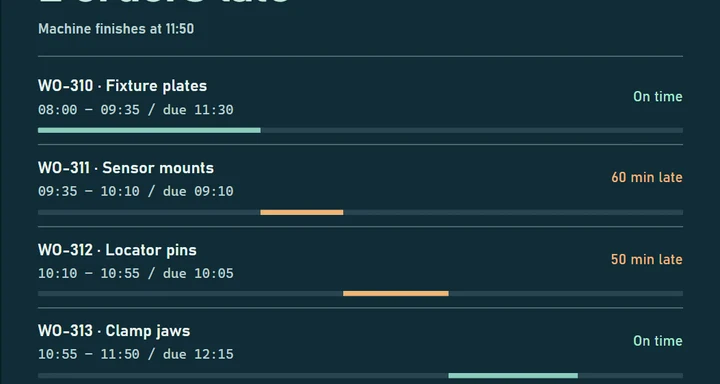
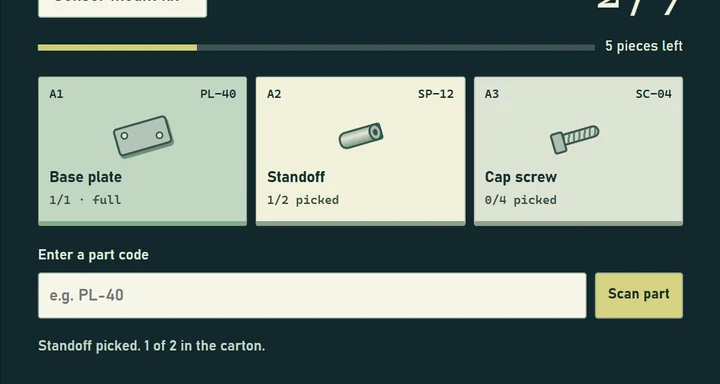
A rush order lands at noon. Price the run, see which jobs would slip, and check the kit before it ships. Try working samples of the desktop and browser applications we build for those steps.
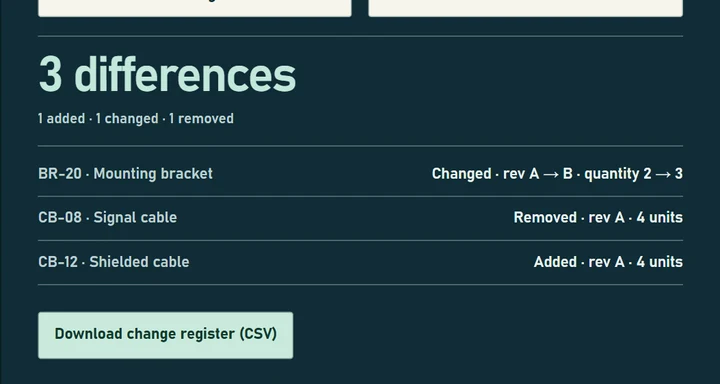
A supplier billed for two valves that never arrived and raised the sensor price. Compare the purchase order, receipt and invoice, test your own figures, and download the findings. The records are fictional.
Our independent Unitree G1 motion study uses Unitree Robotics’ published model. We lit and animated it in Blender. Model credit and license.
A Unitree G1 humanoid turns toward the camera and raises its arm. The lighting picks out the shoulder, wrist and fingers in this six-second study.
Digital production
Our Blender animations let a buyer review how eight legs fold into a rolling shell, or a director judge the timing of a hand gesture before a shoot. Each study isolates one movement to inspect.
Watch the hand, shoulder and head from a moving camera. The robot model comes from Unitree Robotics via MuJoCo Menagerie.
How the other studies were made
The five-second human-motion study uses synthetic motion from NVIDIA Kimodo-SOMA-RP-v1.2. The folding spider robot has independently authored motion. The HD gantry study uses an original dimensioned plan and a two-jaw gripper that transfers an impeller 1,960 mm.
Integration workbenchTwo sample workflows
Can this order ship?
Review before releaseCan order SO-1842 ship?
8 pieces short for the 48-piece order
Order calls for rev C; drawing register shows rev D
Records checked
SO-1842line 10
BIN-A14cycle count
ECO-017released drawing register
Inspect the tool call
order_readiness(order="SO-1842")
40 pieces availableHow many sensor mounts are free?
74 on hand
34 already reserved
Records checked
BIN-A14cycle count
Inspect the tool call
check_stock(part="BR-220")
Revision D is currentWhich drawing is current?
Supersedes revision C
Mounting slot widened to accept the new sensor bracket.
Records checked
ECO-017released drawing register
Inspect the tool call
current_revision(part="BR-220")
RobotAck maps to goRouteAckWhich signal confirms the robot route?
Robot screen reads “Route acknowledged”
RAPID reads or writes the channel in SetGO goRouteAck, job;
Records checked
signal-map.csvRobotAck
hmi-bindings.jsonRoute acknowledged
RouteReview.modgoRouteAck
Inspect the tool call
trace_signal(tag="RobotAck")
RequestWord maps to giRouteRequestWhere does the PLC send its route?
Robot screen reads “Route requested”
RAPID reads or writes the channel in job := GInput(giRouteRequest);
A buyer asks for 60 inspection jigs. Compare the original request with the buyer’s clarification to see what the estimator receives.
Two details need confirmation
Requested
60 × JG-24
Drawing
Requested B / released C
Finish
Unspecified
Draft for the buyer
Before we price 60 × JG-24 inspection jig, please confirm the following.
Your request names revision B. Should we quote the released revision C?
Which finish should we include in the price?
Records checked RFQ-214 · buyer request · DR-024 · released drawing C
Can this order ship? Is this quote request ready to price? At the order desk, see which stock and drawing records answer the question. At quote intake, find what the buyer still needs to clarify and save a draft for the estimator.
We build tools that let AI assistants read your team’s records and show where each answer came from. Try both examples with fictional shop data, or download them to run with a compatible assistant.
In the quote intake example, the estimator asks one question. Four pieces turn it into a draft the team can review.
Agent
The assistant interprets “Can we price this?” and uses the available tools to prepare an answer.
MCP server
A connector built for your records. Model Context Protocol gives compatible assistants a standard way to discover and call its tools. Here, the server reads the request and the released drawing.
Tool
One operation the agent can request. This server has two: check the quote request and draft the handoff. Both return the records they used.
Skill
A reusable set of instructions. This skill tells the agent when to ask the buyer about missing details and when to prepare a brief for the estimator.
Plugin
A package your team can load into a supported app. Our Claude Code example bundles the skill and server connection so each estimator can use the same review process.
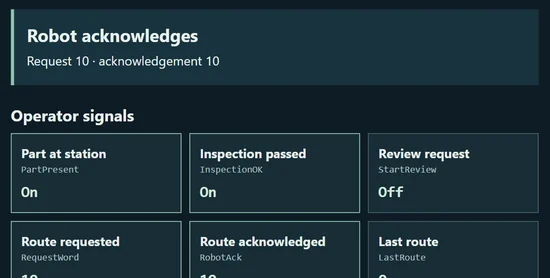 Controls package builderChoose a station and a robot language. Review matching PLC logic, operator-screen tags and FANUC LS or ABB RAPID source.
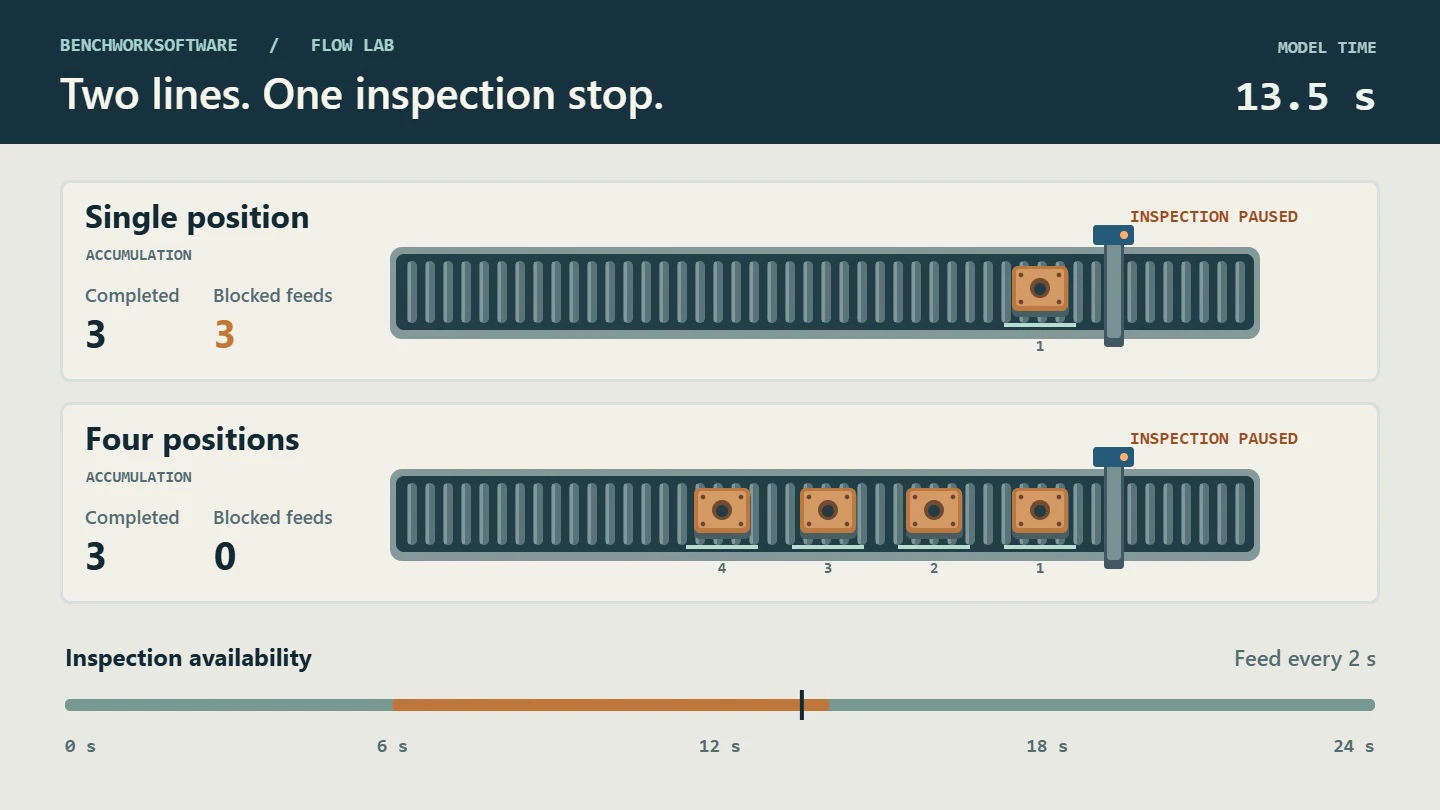 Conveyor buffer studyChange the length of an inspection stop. Compare blocked feeds and completed parts with one or four buffer positions.